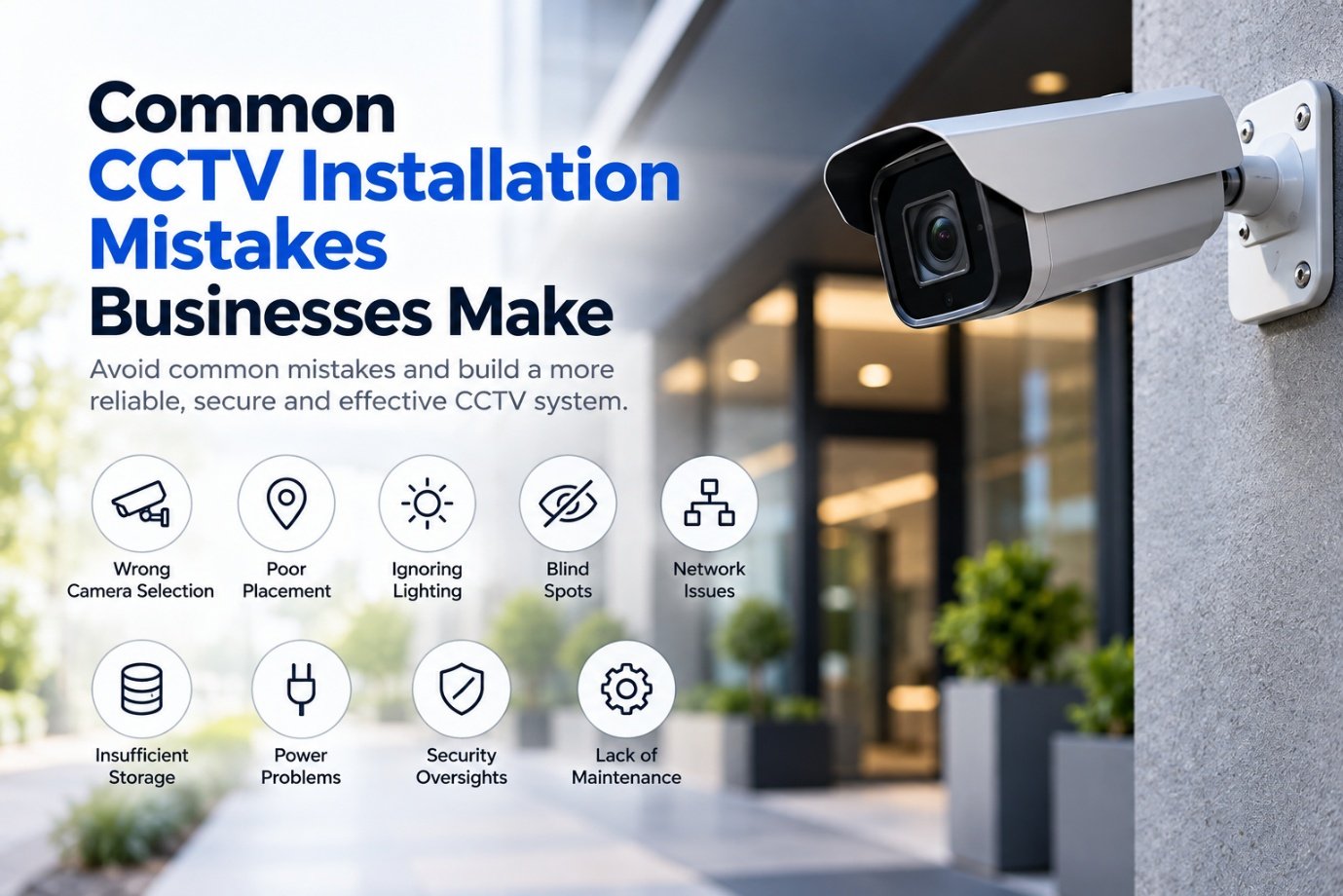
Installing CCTV can appear straightforward.
Buy cameras, mount them, connect them to a recorder and start monitoring.
But a CCTV system is only as useful as the way it is designed and installed.
Businesses often focus heavily on the number of cameras and the camera resolution while overlooking other factors that determine whether the system will actually provide useful footage when it matters.
A 4K camera installed in the wrong location can be less useful than a properly positioned lower-resolution camera. A large storage drive cannot compensate for poor recording settings. And expensive cameras cannot fix a poorly designed network.
Modern CCTV is no longer simply a collection of cameras, as we explore in Modern CCTV Is More Than a Security Camera.
It is a combination of cameras, networking, storage, software, power, monitoring and security.
Here are some of the most common mistakes businesses should avoid.
1. Choosing Cameras Before Understanding the Requirement
One of the first mistakes is starting with the camera specification. Businesses often ask: "Should we buy 2MP, 4MP or 8MP cameras?" But resolution is only one part of the decision. Before selecting a camera, businesses should understand:
- What area needs to be monitored?
- What level of detail is required?
- Is identification necessary?
- How far away is the subject?
- Is the area indoors or outdoors?
- What are the lighting conditions?
- Is there movement?
- Is audio required?
- Is facial identification relevant?
- Is number-plate recognition required?
A camera watching a wide warehouse floor has very different requirements from a camera monitoring a cash counter.
The requirement should determine the camera — not the other way around.
2. Installing Too Many Cameras in the Wrong Places
More cameras do not automatically mean better surveillance. A business may install cameras throughout a property but still have important blind spots. Common problem areas include:
Camera placement should consider the actual movement of people and assets. The objective is not simply to cover as much physical space as possible. It is to obtain useful visibility where it matters — the same principle we cover in CCTV Design Mistakes That Can Cost Businesses More Than the Cameras.
3. Ignoring Lighting Conditions
A camera specification may look impressive during the day. The same camera can produce poor footage at night. Lighting conditions can affect:
Businesses should evaluate cameras under the conditions in which they will actually operate. A camera facing a bright entrance, for example, may encounter strong backlighting. A camera installed in a parking area may need to operate primarily at night.
Good CCTV design therefore considers lighting and camera placement together.
4. Using Wide-Angle Cameras for Everything
Wide-angle cameras can cover large areas. But wider coverage can sometimes mean less detail per person or object. Imagine a camera covering an entire entrance lobby. You may be able to see everyone entering the building, but the faces may occupy only a small portion of the image. A narrower field of view may provide much more useful detail at a specific point.
The right question isn't: "How much area can this camera see?" It is:
"What level of detail do we need at this location?"
5. Forgetting About the Network
Modern CCTV systems are increasingly IP-based. That means cameras become network devices — the same reliability principles that apply to How to Build a Reliable IT Network for a Growing Business. A typical architecture might look like:
Every component matters. Businesses need to consider:
CCTV traffic can also become significant as the number of cameras increases. A network designed only for office computers may not have been designed for dozens or hundreds of cameras continuously transmitting video.
6. Putting CCTV on the Same Network Without Planning
A common approach is to connect cameras to the existing business network because it is convenient. But CCTV is another category of connected device. A better architecture may involve separating CCTV traffic from ordinary business systems using appropriate network segmentation — a discipline we cover in more depth in Network Security Starts With Infrastructure. For example:
- Corporate NetworkEmployees and Business Systems
- CCTV NetworkCameras and Recording Infrastructure
- Guest NetworkVisitors and Personal Devices
This can make the environment easier to manage and can reduce unnecessary communication between different device groups. Network segmentation is also an established security practice for controlling communication between different parts of an environment.
7. Underestimating Storage Requirements
A CCTV system can generate a large amount of video data. Storage requirements depend on factors such as:
For example, a business requiring 30 days of continuous recording across many cameras may need considerably more storage than a small office recording only motion events.
Storage should therefore be calculated before purchasing the recorder and drives.
8. Assuming More Storage Means Better CCTV
Storage capacity answers one question: how much video can we retain? It does not answer: can we find the video we need? A useful CCTV system should make it practical to search recordings. Features such as:
can significantly improve usability. There is little value in retaining weeks of footage if finding a specific event takes hours.
9. Ignoring Power Requirements
IP cameras frequently use Power over Ethernet, or PoE. This can simplify installation because the network cable can carry both data and power. But the switch must have sufficient PoE capacity. For example, installing 24 cameras does not simply mean buying a 24-port switch. The business should also consider:
Power planning becomes especially important for larger CCTV deployments.
10. Poor Cable Planning
A CCTV system is only as reliable as the infrastructure supporting it. Poor-quality or incorrectly installed cabling can result in:
Cable routing should also consider:
The cheapest cable installation can become expensive when cameras begin dropping offline.
11. Installing Cameras Where They Can Be Easily Tampered With
A camera may be positioned perfectly from a surveillance perspective but poorly from a physical-security perspective. Consider:
- Can someone reach the camera?
- Can the cable be disconnected?
- Can the camera be rotated?
- Can it be covered?
- Is the mounting secure?
Outdoor and public-facing cameras may require additional physical protection.
CCTV security is therefore partly a physical infrastructure problem, not just a software problem.
12. Forgetting About Blind Spots
A camera can have a wide field of view and still leave important areas uncovered. Blind spots can occur because of:
A proper site survey should identify potential obstructions before installation. The objective is not simply to draw circles showing camera coverage. It is to understand what the camera can actually see.
13. Mounting Cameras at the Wrong Height
Camera height affects what the footage can tell you. A camera mounted too high may provide a good overview but limited facial detail. A camera mounted too low may be vulnerable to tampering. The appropriate height depends on the purpose of the camera. A general overview camera and an identification-focused camera may require different positioning.
14. Using the Same Camera Type Everywhere
Different areas often require different camera characteristics. A business might need:
There is rarely a reason to use one camera model everywhere simply because it is easier to purchase. The system should be designed around the application.
15. Ignoring Remote Access Security
Remote viewing is one of the biggest advantages of modern IP CCTV. A business owner can potentially view cameras from:
But remote access also creates security considerations. Businesses should carefully manage:
CCTV systems should not be treated as isolated appliances once they are connected to the internet. They are networked IT systems, and the same network-security discipline described in Network Security Starts With Infrastructure applies just as much to a camera as it does to a server.
16. Giving Everyone Administrator Access
Another common mistake is using one administrator account for everyone. This makes it difficult to determine:
- Who changed a setting?
- Who deleted something?
- Who accessed footage?
- Who created a user?
- Who changed camera configuration?
Where supported, businesses should use individual accounts and appropriate permissions. Not every user needs access to every camera or system function.
17. Not Planning for Failure
What happens if:
- A camera fails?
- The NVR fails?
- A PoE switch fails?
- The internet connection fails?
- Power goes out?
- Storage fails?
- A cable is damaged?
A resilient CCTV design considers these scenarios before they occur. Depending on the business requirements, this could involve:
The appropriate level of redundancy depends on how critical the surveillance system is.
18. Forgetting That CCTV Requires Maintenance
Installing the cameras is not the end of the project. Over time:
A CCTV system should therefore have a maintenance process. Regular checks can include:
19. Not Synchronising Time
This sounds like a small detail. It isn't. Imagine an incident occurs at 10:32 AM.
- Actual Incident10:32 AM
- CCTV Camera A10:29 AM
- CCTV Camera B10:35 AM
- Access-Control System10:31 AM
Now investigators have to determine which timestamp is correct. Synchronising devices to a reliable time source can make event investigation much easier. For integrated security systems, consistent time is part of good system design.
20. Buying on Price Instead of Total Cost
The cheapest CCTV system may not be the cheapest system to operate. Consider the total cost of:
A low-cost camera that fails frequently can cost more over its operational life. Likewise, an expensive system can be unnecessarily complicated for a small business. This is the same total-cost thinking behind Digital Transformation Isn't About Buying More Software.
The goal should be appropriate infrastructure, not simply the lowest purchase price or the highest specification.
CCTV Should Be Designed as a System
The biggest lesson is simple:
Don't buy CCTV cameras. Design a CCTV system.
This is the same shift in thinking we describe in Why Businesses Should Stop Buying Software and Start Building Systems. A proper system considers:
Every layer affects the others. A camera upgrade may increase bandwidth requirements. More cameras may require additional storage. Higher resolution may increase both storage and network requirements. Remote access introduces additional security considerations.
This is why CCTV should be treated as part of the wider IT infrastructure — the same thinking behind Scalable IT Infrastructure: Building for Growth Without Overbuilding.
A Practical CCTV Planning Checklist
Before installing or upgrading CCTV, businesses should ask:
- CoverageWhat areas need monitoring? Where are the blind spots?
- IdentificationGeneral observation or detailed identification?
- LightingWhat are the day and night conditions?
- NetworkIs the network designed for the camera load? Should CCTV be segmented?
- PowerIs there sufficient PoE capacity? Is backup power required?
- StorageHow many days of footage are required? What recording mode?
- SecurityWho can access the system? How is remote access protected?
- ReliabilityWhat happens if a camera, switch, recorder or power supply fails?
- MaintenanceWho will monitor and maintain the system?
- Future GrowthCan the infrastructure support additional cameras later?
The TRUIX Perspective
At TRUIX, we believe CCTV should not be treated simply as a camera installation project. Modern surveillance sits at the intersection of:
Hardware + Networking + Software + Storage + Security + Data
A well-designed CCTV system should provide more than images. It should provide reliable, searchable and appropriately secured information when the business needs it — connected to the same business systems and data flows we explore in APIs: The Missing Link Between Your Business Applications.
That requires looking beyond camera resolution and thinking about the entire infrastructure. Because the question shouldn't be: "Which CCTV camera should we buy?"
It should be:
Related Reading
- Cloud vs On-Premise Infrastructure: What Should Your Business Choose?
- Why Your Business Network Is the Backbone of Digital Transformation
- Modern CCTV Is More Than a Security Camera
- CCTV Design Mistakes That Can Cost Businesses More Than the Cameras
- Network Security Starts With Infrastructure
- How to Build a Reliable IT Network for a Growing Business
- Scalable IT Infrastructure: Building for Growth Without Overbuilding
- Why Businesses Should Stop Buying Software and Start Building Systems
- APIs: The Missing Link Between Your Business Applications
- Digital Transformation Isn't About Buying More Software
- CCTV Solutions